






This hidden setting, activated by default in Gmail, authorizes Google to use your private exchanges… without you realizing it.
We love it when technology makes our lives easier, but there is a limit. And this limit is when our personal messages are collected without really being asked for our opinion! This is exactly what happens to Gmail users: by default, a small box checked in the settings gives Google the green light to come and dig into your writing. A detail that most of us ignore, and therefore never think to check.
The problem is that not everyone wants their private correspondence to serve as fuel for artificial intelligence, no matter how efficient it may be. As a result, this automatically activated setting often goes under the radar. If the idea of a digital eye scanning your conversations bothers you, here’s the good news: you can shut the door in their face with just three clicks.
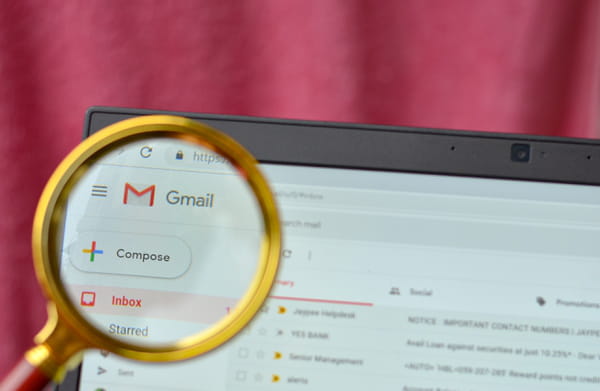
To do this, simply go to the Gmail settings (the little gear at the top right) and uncheck the option that is asking the question. This is located in the “General” tab. You can then deactivate the “Smart Features”. This is the first step. Next, it is also necessary to click on “Manage Workplace smart features settings”. This will take you to a secondary pop-up window allowing you to enable or disable features in Google Workspace and other Google products.
In a few seconds, the authorization disappears and your email becomes a strictly personal space again. This sometimes involves losing some small automations that you have become accustomed to, but nothing that prevents you from continuing to use Gmail normally. The important thing is to be able to choose whether or not you want to let Google analyze the content of your messages — and this choice is not always visible at first glance.